The Hidden Cost of No CRM
Here's a scenario that plays out in contracting businesses every day:
A lead comes in from your website. You're on a job site, so you make a mental note to call them back. You get home, exhausted. The next day, you remember—but by then they've talked to two other contractors. When you finally call, they've already signed with someone else.
That's not a lead quality problem. That's a system problem.
Without a CRM, leads live in your inbox, your texts, your voicemail, and your head. Important follow-ups get missed. Hot leads go cold. And you have no idea which lead sources are actually producing closed jobs—so you keep throwing money at marketing without knowing what works.
What a Contractor CRM Actually Does
A CRM (Customer Relationship Management) system is just a database with automation. At its core, it does four things:
1. Captures Every Lead Automatically
When someone fills out your website form, the lead goes directly into your CRM—not your inbox where it can get buried. You get notified immediately, and the lead is logged with all their information.
2. Tracks Where Each Lead Is
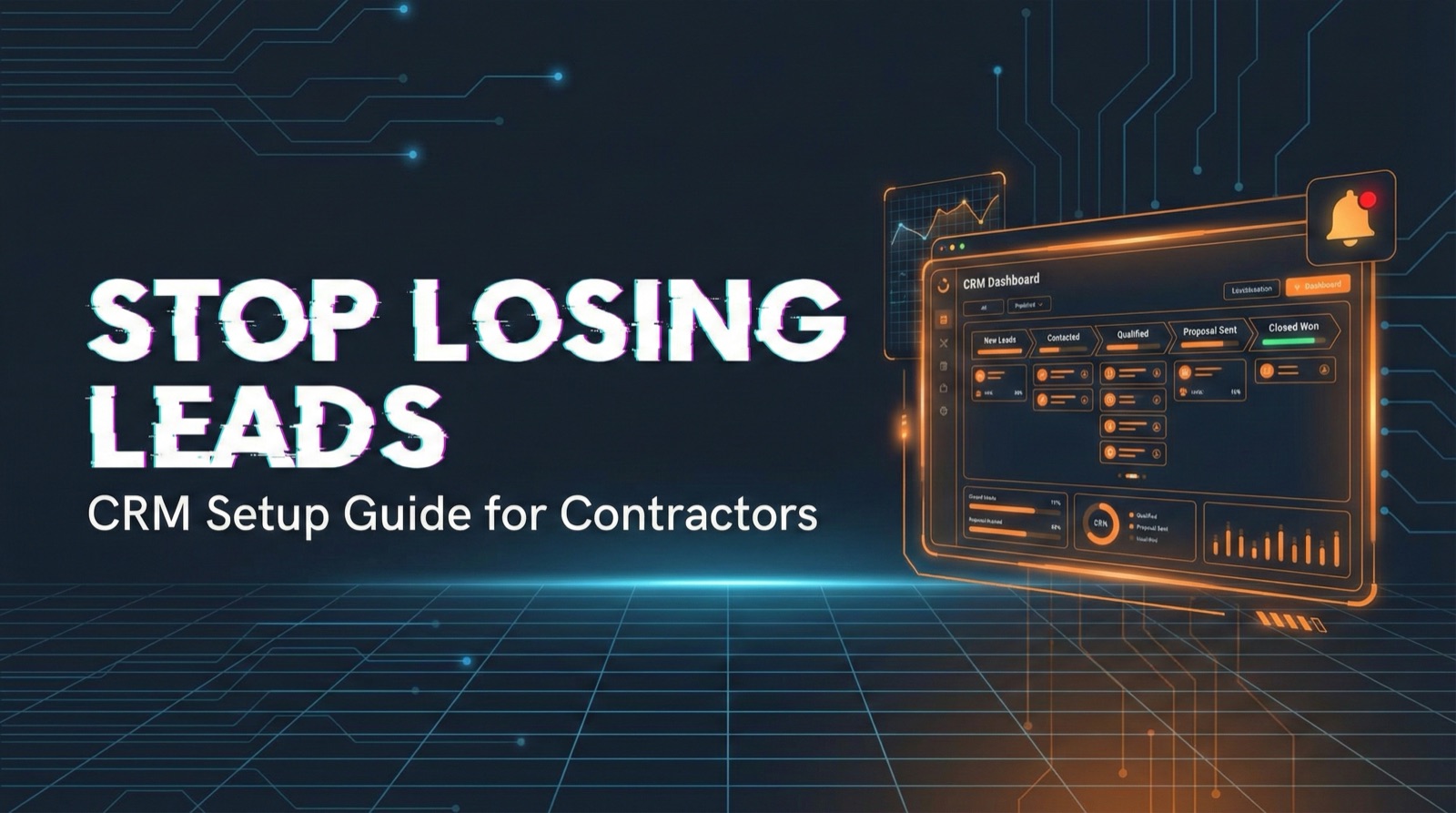
Pipeline stages show you exactly where every opportunity stands: New Lead → Contacted → Appointment Set → Quote Sent → Closed Won/Lost. No more wondering "Did I ever call that person back?"
3. Reminds You to Follow Up
Tasks and reminders ensure nothing falls through the cracks. "Call John back on Friday" actually happens because your CRM won't let you forget.
4. Shows What's Working
When you track leads to outcome, you finally know: Are Facebook leads closing? Are Angi leads worth it? Which salesperson has the best close rate?
Related: How to Evaluate and Hire a Marketing Partner for Your Contracting Business
The Simple CRM Setup for Contractors
You don't need enterprise software. Here's the minimum viable CRM setup:
Pipeline Stages
- New Lead — Just came in, hasn't been contacted
- Contacted — You've spoken to them
- Appointment Set — Meeting scheduled
- Quote Sent — They have your proposal
- Closed Won — They signed
- Closed Lost — They went elsewhere
Lead Fields to Track
- Name, phone, email
- Address (for service area)
- Lead source (Google, Facebook, referral, Angi, etc.)
- Service needed
- Estimated job value
- Notes from conversations
Automation Essentials
- New lead notification (text/email to you immediately)
- Auto-text to lead confirming receipt
- Reminder if lead sits in "New" for more than 15 minutes
- Follow-up reminder 24 hours after quote sent
CRM Options for Contractors
GoHighLevel (GHL)
Popular in the contractor marketing space. Full-featured with SMS, email, pipeline, and automation. Can be complex to set up—often provided by marketing agencies.
Jobber / Housecall Pro / ServiceTitan
Built specifically for home service contractors. Include scheduling, invoicing, and CRM in one platform. Good if you want an all-in-one solution.
HubSpot CRM (Free Tier)
Free, user-friendly, solid for lead tracking. Doesn't have contractor-specific features but handles the basics well.
Spreadsheet + Discipline
If you're small and disciplined, a Google Sheet with columns for lead info, status, and follow-up dates can work. Not ideal long-term, but better than nothing.
Speed to Lead + CRM = Closed Deals
A CRM multiplies the effectiveness of fast follow-up. When a lead comes in:
- CRM captures it automatically
- You get an instant notification
- You call within 5 minutes
- You log the call and set a follow-up task
- CRM reminds you when it's time to follow up again
This is how contractors go from 15% close rates to 35%+ close rates. Not by getting "better leads"—by actually working the leads they already have.
Related: Speed to Lead: Why the First 5 Minutes Matter More Than Your Price
Want Leads That Come Pre-Booked?
We don't just generate leads—we book appointments directly on your calendar, with CRM integration included.
Learn About Appointment SettingCommon CRM Mistakes
Mistake #1: Overcomplicating It
50 custom fields, 12 pipeline stages, automated sequences for every scenario—too much complexity means you won't use it. Start simple. Add complexity only when needed.
Mistake #2: Not Using It Consistently
A CRM only works if every lead goes in it and every interaction is logged. If half your leads are in the CRM and half are in your text messages, you've just created two systems to check.
Mistake #3: No Outcome Tracking
Tracking leads without tracking outcomes is pointless. You need to know: Did this lead become a customer? If not, why? Without closed/lost data, you can't measure ROI.
The Bottom Line
You're already paying for leads. A CRM ensures you actually work them properly. The contractors who win aren't necessarily generating more leads—they're closing more of the leads they get.
Start simple: automatic capture, pipeline stages, follow-up reminders, outcome tracking. That's the foundation. Build from there.
Ready for Leads + Appointments?
We generate exclusive leads and book them as appointments—delivered to your calendar with full CRM integration.
Get Started